Getting Started with cURL
Welcome to a new article.
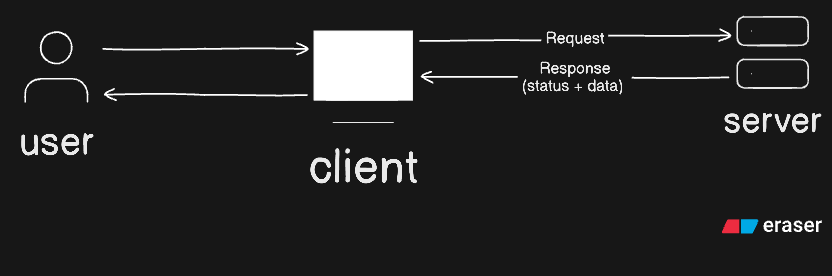
In this article we will learn about cURL. But before learning about cURL, first we need to understand what is a server.
A server is software which receives a request to process and provide response for that request. Basically, the server receives a request from the client (device used by the user), and the server processes it and provides a response to the client. This architecture is called client-server architecture.
So as we have understood about the server, then let’s continue with cURL.
What is cURL?
cURL stands for Client URL. cURL is a command-line tool, and it is used for the transfer of data to or from a server with supported protocols. It means cURL is like a transporter, which transports data to the server or from the server. cURL is also used to send api request
Why do programmers need cURL?
Programmers need cURL because they can use cURL to test the API’s by making api request. Also, cURL is a cross-platform command-line tool, which means it maintains consistency over different development environments.
First request using cURL.
- curl <URL>: Prints URL content as output
curl https://www.masterji.co
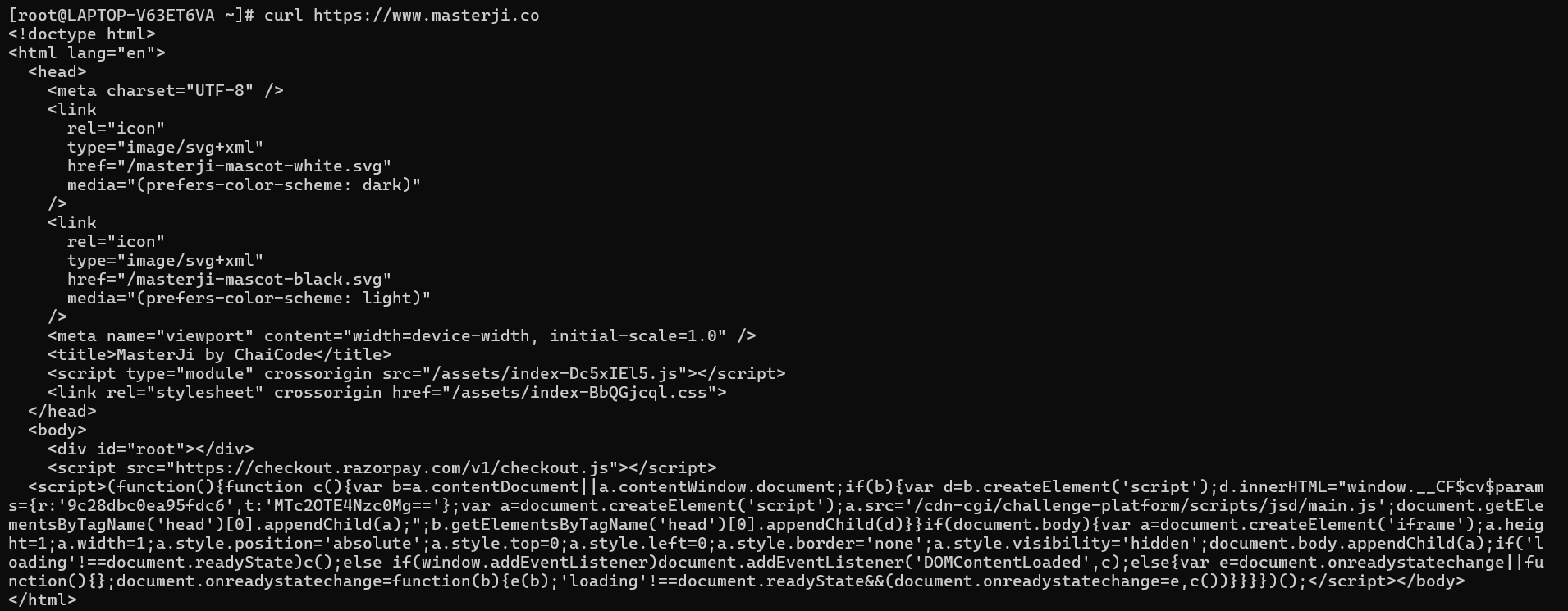
curl https://catfact.ninja/fact

- curl -X <http method> <api endpoint>
curl -X GET https://catfact.ninja/fact

The output returned by the commands we have used above in the example are responses from the servers. A response mainly contains a status and data returned from the internal processing of the server.
Some more commands of cURL
- curl -i <URL>: Output also includes headers
curl -i <URL>
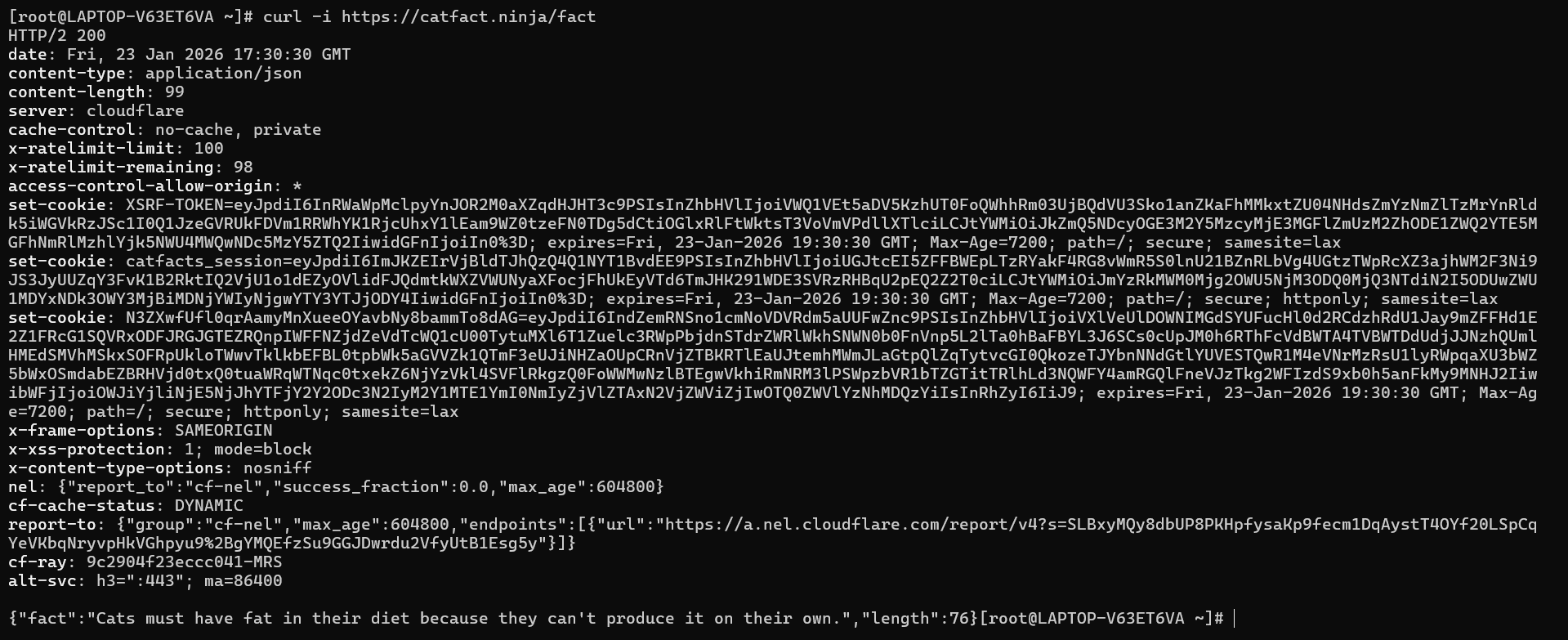
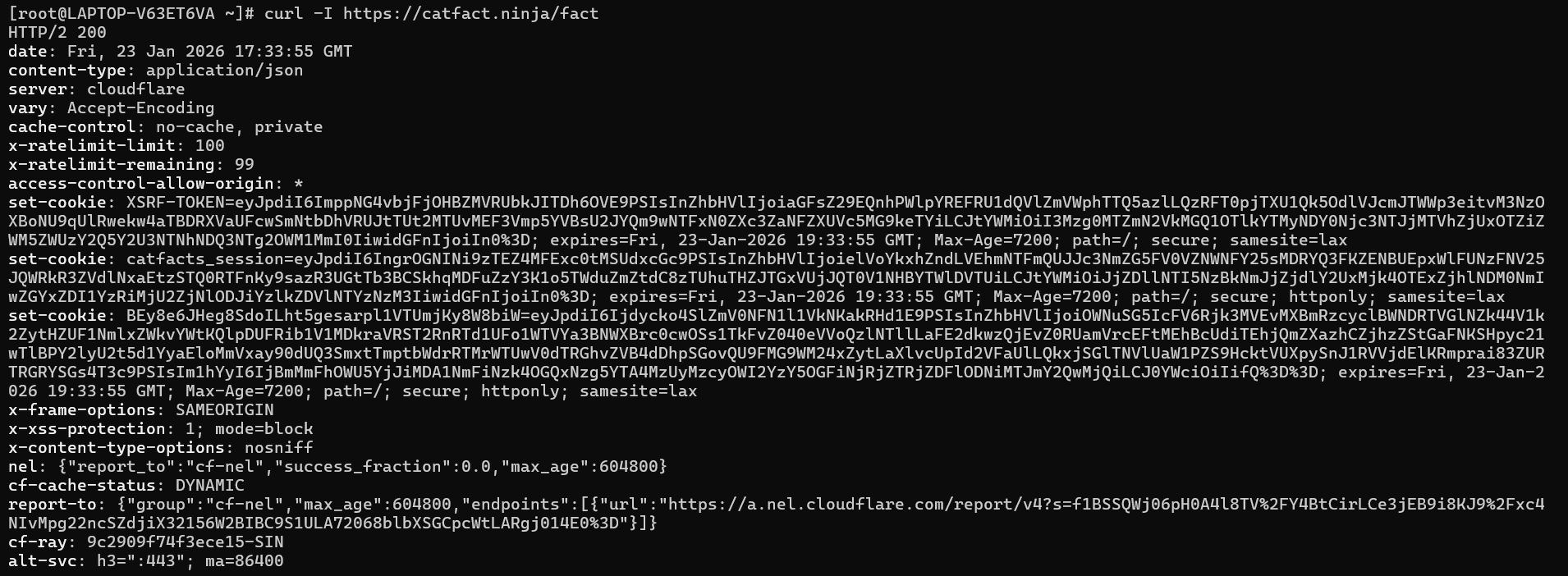
- curl -I <url>: It return only headers
curl -I <URL>
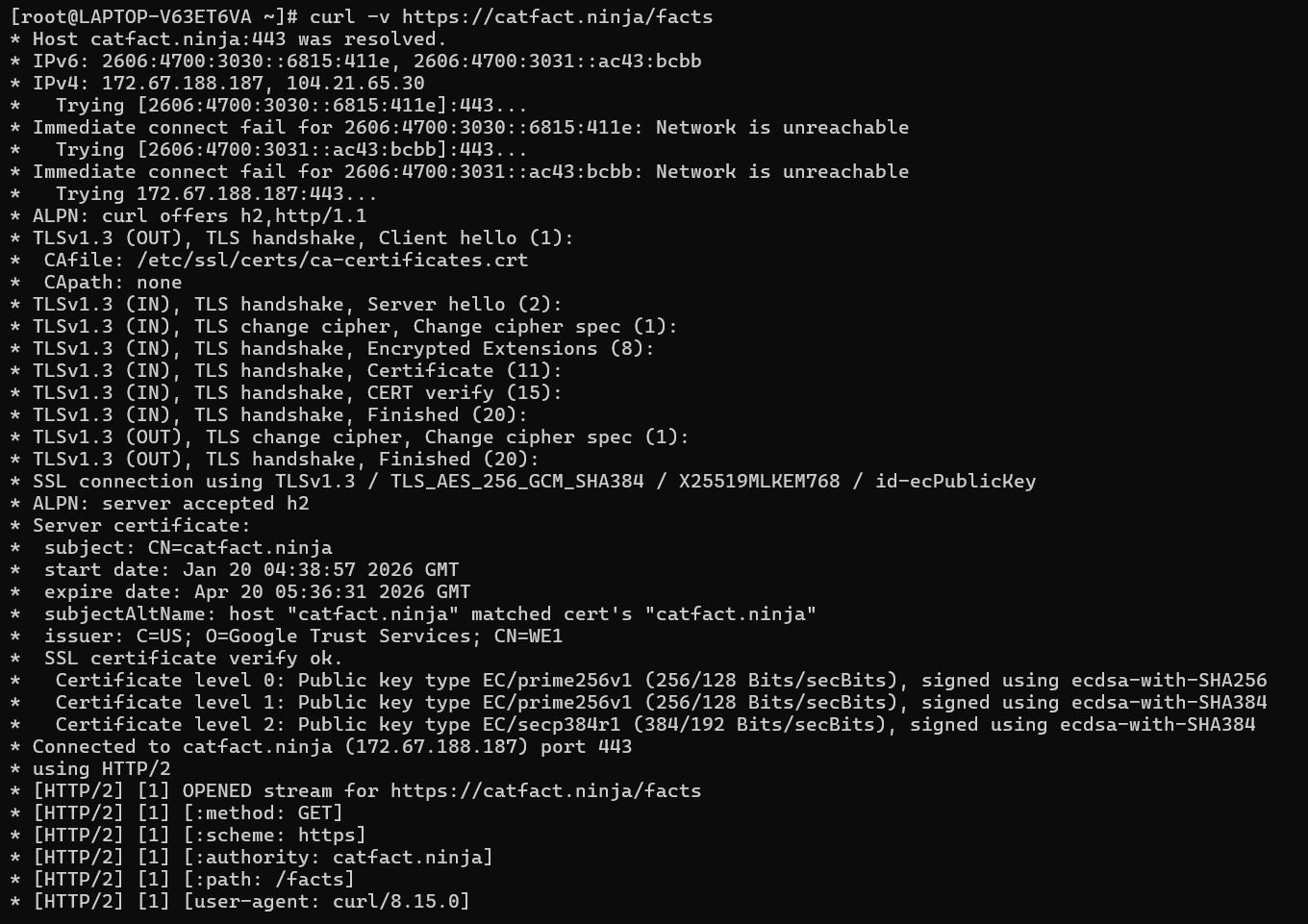
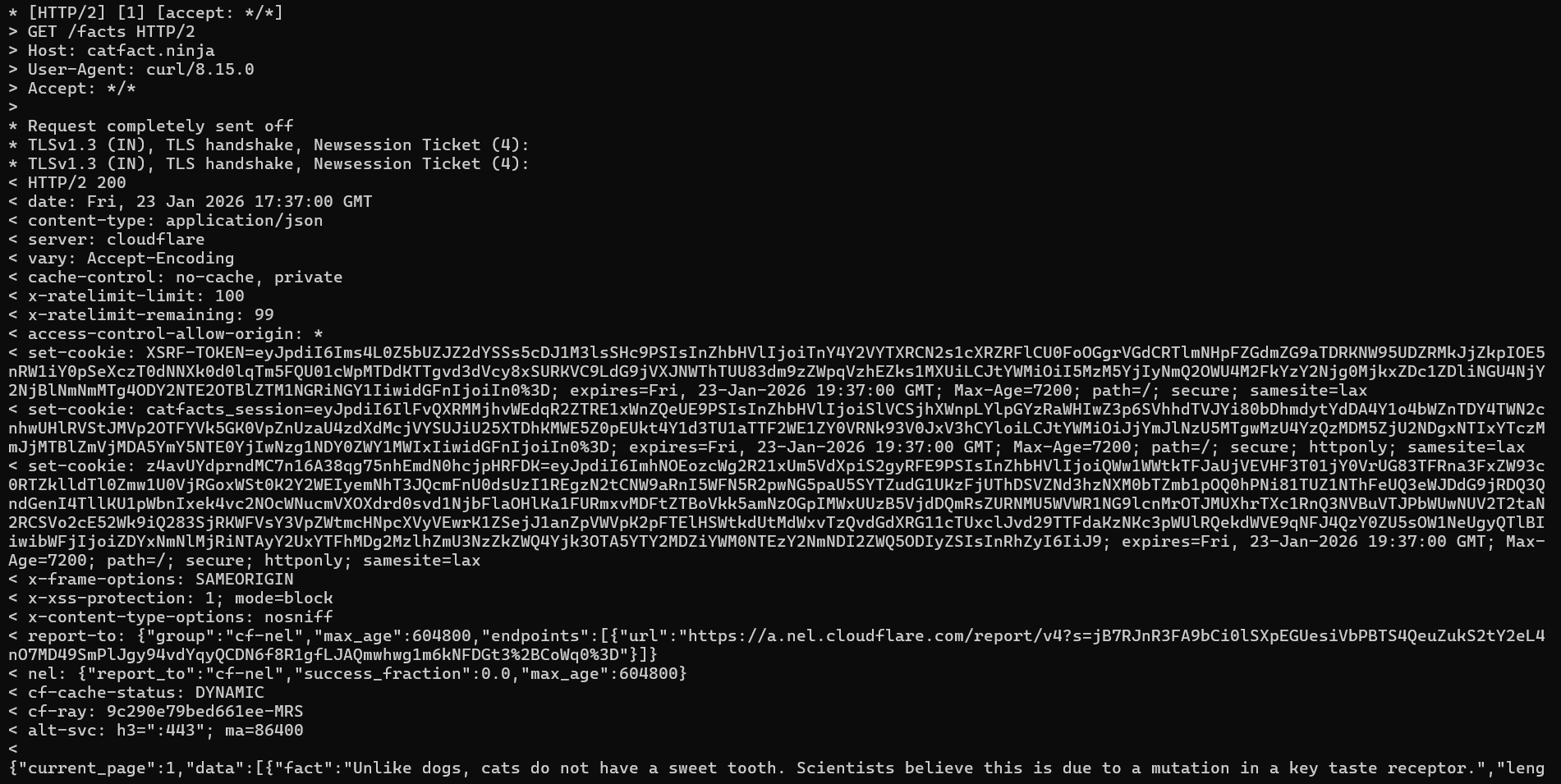
- curl -V <URL>: Shows request response details
curl -V <URL>
- combination of curl options
curl -X POST -H "Content-Type: application/json" -d '{"title":"Test Post","body":"This is a test","userId":1}' https://jsonplaceholder.typicode.com/posts

Mistakes that beginners make using cURL
Generally beginners don’t understand the options that cURL provides us. These options help to get what we need from the server.
By default, cURL makes a GET request. But where server configured for any other type of request then we need to mention type of request in command and beginners sometimes make mistakes there.
Hope you all liked the article.
Thank You!


