Understanding Network Devices
What is a modem, and how does it connect your network to the internet?
Modem stands for modulator/demodulator. A modem is a device having the responsibility of connecting the devices in a connection to the internet. The modem does this by converting the digital signals from the devices connected to analog signals, which can be transmitted over the network cables to the ISP, and vice versa.
What is a router, and how does it directs traffic?
A router is an electronic device that works as traffic police between two networks. The router takes data from the modem and diverts it to the correct device within the local network. A router directs traffic in the below steps:
A router receives a data packet from the source (computer A). A data packet looks like this:
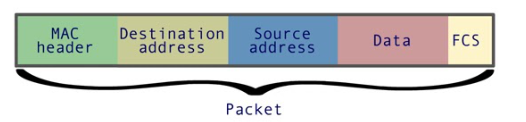
The router examines data packet and it finds the destination address (Destination IP address), Where the data packet is intended to receive.
The router forwards the data packet to the router that is closest to the destination address. A router can have multiple paths where it can send the data packet. The router uses the forwarding table/routing table to choose the closest path. This table has entries of IP address prefixes. The router uses the fact that when two IP addresses have the same prefixes, then they are connected to the same extensive network.
Based on the fact above, the router forwards the data packet. If everything goes right, the data packet will finally reach a router, which will then forward the data packet to the device it was sent for.
Switch vs. Hub: How local networks actually work
A hub is a central networking device that connects multiple devices or other network devices. Hub works over the physical layer. The hub forwards the data it receives to all the available ports except the port from which the hub received data. This is inefficient, as the data is forwarded to every connected device whether the data packet was intended to be received on those devices or not.
A switch is a network device that connects multiple devices on a single computer network. A switch keeps the table of addresses of all the connected devices. So when a data is transmitted over network, switch analyzes it and forwards it to the device it was intended to receive. If it is not mentioned where to send data, then the data will be forwarded to every device connected.
The local networks (Local Area Network) are made up using several networking devices, which work together to connect devices within a specific area like a home or office. Below is how LAN works:
Devices like computers, mobiles, etc., are connected to the network through cable or Wi-Fi. Each device has a device called a network interface card, which allows the device to connect to a LAN.
When one device sends data, the data will travel through the network via Ethernet cable or waves. Within LAN, A switch helps to direct data to correct device and if internet access is needed then router helps LAN to connect to internet.
What is a firewall, and why does security live here?
A firewall is a security system for the network. It is available as hardware and software both. It is the security guard that stands over the network and checks/filters data packets as either accepted, rejected, or blocked according to some predefined rules. Security lives in the firewall because the firewall is a security layer between the internal network and the external network, and the user can define the rules for acceptance, rejection, or blocking of data packets.
What is a load balancer and why scalable systems need it?
A load balancer is a device or software that distributes the traffic coming on an application among the number of servers to provide high performance and efficiency. A load balancer simply ensure that a single server do not bear all the traffic.
Scalable systems need load balancers because when any application gets high user traffic, the number of requests on the server increases, which will increase the load on the server. If a single server is receiving all the requests, it will work slowly and will crash in time. So Load Balancers simply solve this problem by diverting the request to multiple servers and ensuring that a single server is not receiving too many request.
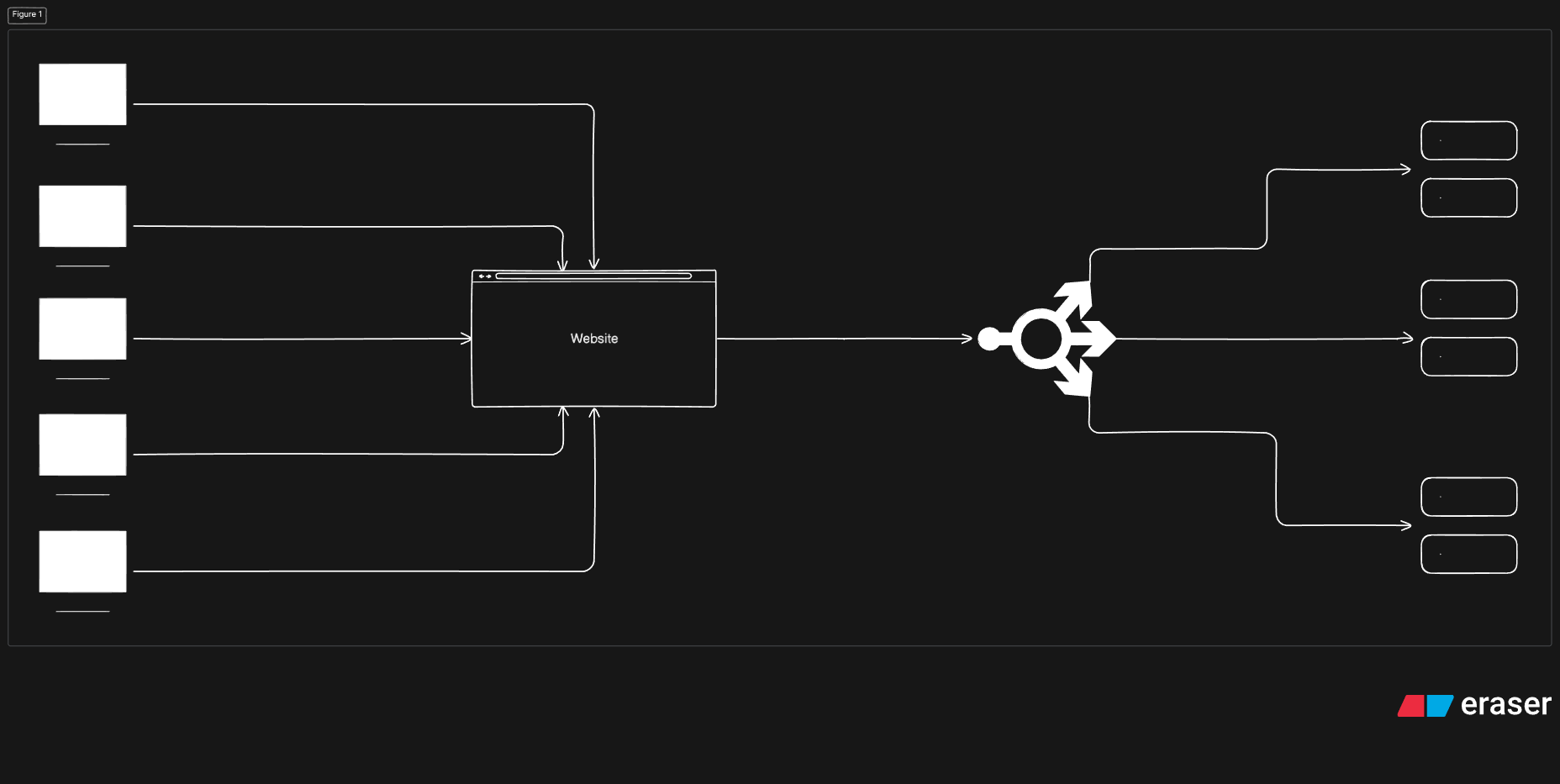
How do all these devices work together in a real-world setup?
In a real-world setup, all these devices work in a hierarchy to manage data traffic.
The modem brings the internet by converting the analog signal from the ISP to a digital signal for the network.
The firewall inspects the incoming and outgoing request to block the threat.
The router connects to the local network to transmit data to correct device.
In a large network, the load balancer distributes the incoming traffic among multiple servers to ensure a single server is not overloaded.
The switch connects wired devices within the LAN, sending data to the device it was intended to receive.
Hope you all liked the article
Thank You!


